Key takeaways
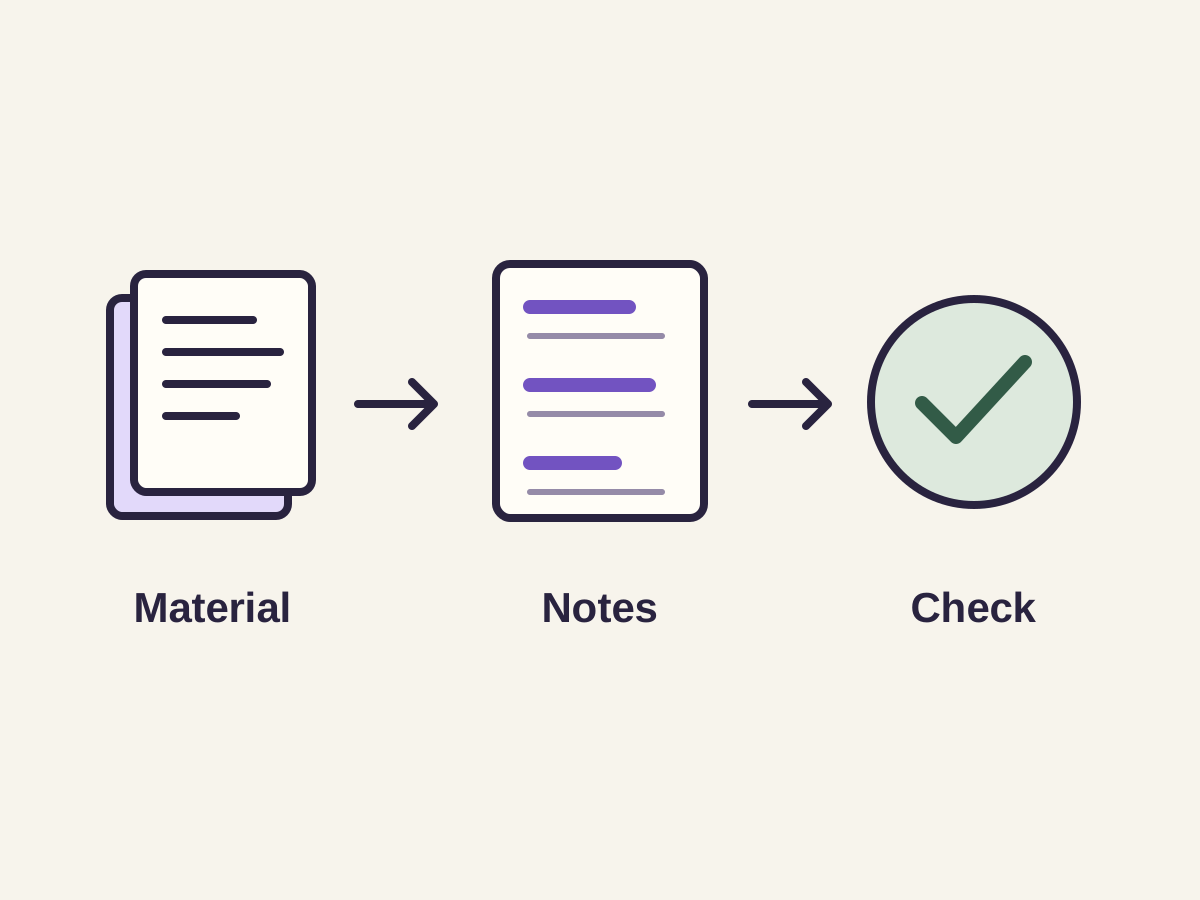
- An AI note taker reorganizes slides, PDFs or scans into topic-grouped notes.
- It works best on dense slide decks, long readings and material from several sources.
- It can miss what's inside diagrams and inherit misread numbers from scanned pages.
- Check numbers, names and formulas against the source, then build flashcards from the clean notes.
In this articleShow
An AI lecture note taker takes raw material — a slide deck, a PDF, a scanned handout, or in some tools an audio recording — and reorganizes it into structured, readable notes: grouped by topic, with key terms and concepts pulled out, instead of a flat wall of whatever order the original material happened to be in. It's genuinely useful for turning a messy or disorganized source into something you can actually study from quickly, but it's a text-processing tool with real limitations, not a substitute for understanding what was covered — here's what it actually does and how to use the output well.
What's actually happening when notes get 'auto-generated'
The tool reads the source material (extracting text from a PDF or slide deck, or transcribing audio if it works from a recording), identifies what looks like a heading, a key term, or a supporting detail based on structure and content, and reorganizes that into a cleaner document — typically grouped by topic rather than left in raw chronological order. This is fundamentally a summarization and reorganization process, not independent research: it can only work with what was actually in the source material, and its quality is bounded by how clear that source material was in the first place.
Where it works best
- A slide deck that's information-dense but poorly organized for review — slides are written to be presented, not studied from, and reorganizing them into prose-style notes with concepts grouped together often makes the same information much faster to review.
- A long PDF or textbook chapter where you want a faster way to identify the key concepts before doing a deeper read, or as a review document afterward.
- Combining material from multiple sources on the same topic (lecture slides plus a textbook chapter plus your own handwritten notes) into one organized document, rather than reviewing three separate messy sources.
Where it can go wrong
- A diagram, chart, or labeled figure's meaning can get missed if the tool only processes surrounding text and the caption, not the actual content inside the image — this matters most for visually-dense subjects like biology, chemistry, or anatomy.
- A scanned or handwritten source depends on accurate text extraction first; if that step misreads a word, number, or formula, the resulting notes inherit that error without flagging it as uncertain.
- Reorganizing by topic can occasionally separate ideas that were meaningfully connected in their original order — worth a quick check that the connections between concepts, not just the concepts themselves, survived the reorganization.
- It reflects what's in the source material, not what your teacher emphasized verbally but didn't put on a slide — if your teacher spent ten minutes on a point that has one bullet point on the slide, notes generated from the slide alone won't reflect that emphasis.
How to use AI-generated notes well
- Skim the generated notes against the original material once, specifically checking anything involving a number, formula, name, or diagram — these are the highest-risk categories for a silent extraction error.
- Use the notes as your primary review document, but don't treat them as a complete substitute for whatever your teacher emphasized in class that isn't captured in the slides or reading themselves.
- Once you have clean, organized notes, they're a better source to build flashcards or practice questions from than the original raw material — Studi's Notes feature does the reorganization step directly from PDFs, slides, or photos, and the output feeds directly into flashcard and practice test generation from the same material.
- If a concept in the notes doesn't fully make sense on its own, ask Ollie Chat about your material rather than assuming the note itself is complete — a note is a compressed summary, not a full explanation.
Questions students ask
How does an AI lecture note taker work?
It reads the source material (a PDF, slide deck, or scan), identifies headings, key terms, and supporting details based on structure and content, and reorganizes that into cleaner, topic-grouped notes. It's a summarization and reorganization process bounded by what was actually in the source material.
Can AI take notes from a slide deck or only from typed text?
Slide decks are one of the most common and effective sources — slides are often information-dense but poorly organized for review, so reorganizing them into structured notes is a high-value use case. Studi's Notes feature accepts slide decks, PDFs, and photos directly.
What's the biggest risk with AI-generated lecture notes?
Missing information that lived in a diagram or chart rather than surrounding text, and inheriting extraction errors from scanned or handwritten sources (a misread number, name, or formula) without any flag that something might be wrong. Spot-checking the generated notes against the original source, especially for numbers and diagrams, catches most of this.
Do AI notes replace attending class?
No — they reflect what's in the source material (slides, a reading, a recording if the tool supports it), not necessarily everything a teacher emphasized verbally that isn't written down. They're best used alongside your own class experience, not as a full substitute for it.

Keep studying
Keep reading
- Study Tips· 8 min readHow to Study for FinalsFinals get easier to plan when you stop treating every class and every chapter the same. Sort the material, test what you know, and spend the last review on real gaps.
 By Pranay
 - Study Tips· 7 min readHow to Study for MidtermsMidterms are usually several classes and several units arriving at once. Start by sorting the work, then spend your time testing what you can recall instead of trying to reread everything.

 By Ben Hirsch
 - Study Tips· 6 min readHow to Turn Lecture Notes Into Flashcards (4 Ways — One Is Instant)If you're staring at a wall of lecture notes wondering how they're supposed to become something you can actually study from, here are four ways to get there — including the one that takes about 15 seconds.By Ben Hirsch


Ready to try it on your own notes?
Start from the same class material you are already reviewing, then choose the study format that helps most.
Turn My Lecture Into NotesTrusted by hundreds of users