01
Choose your source
Use notes, PDFs, slides, or a lecture recording from the subject you want to review.
Make questions from your own notes
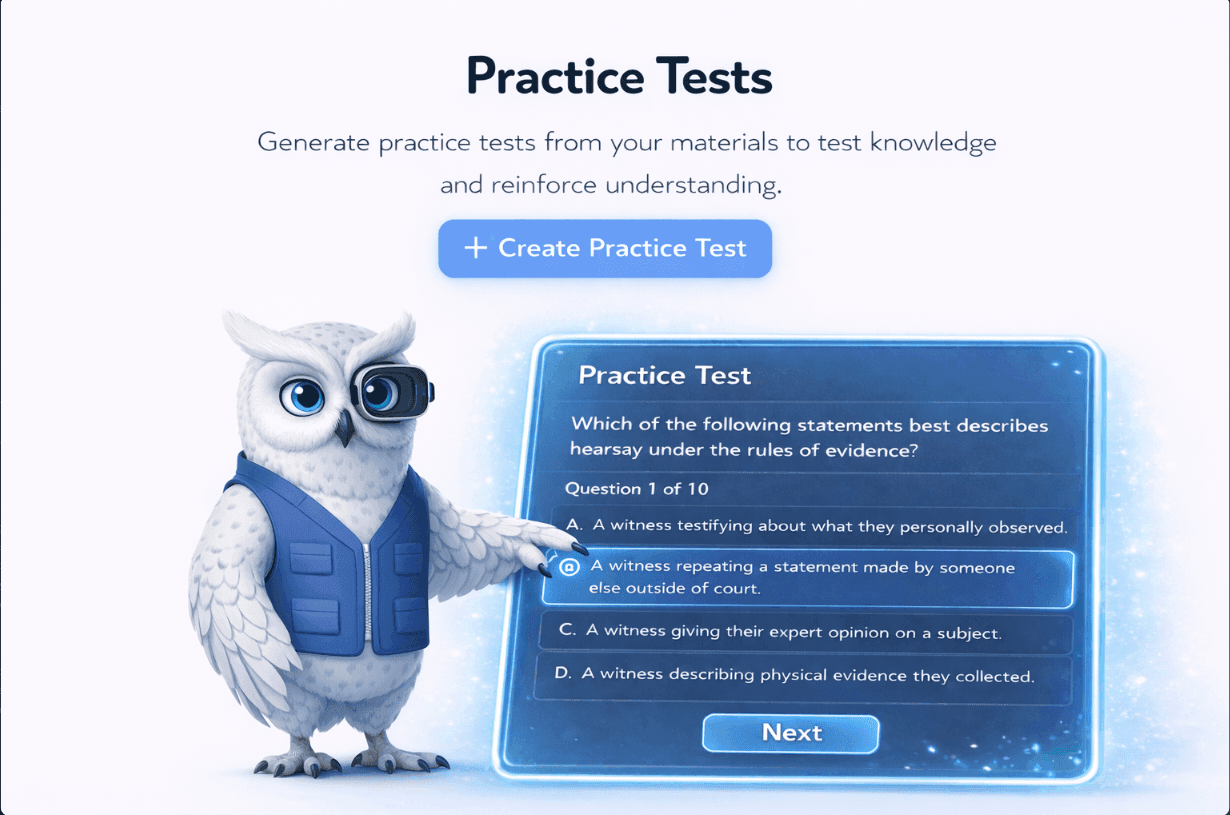
Turn the material from class into multiple-choice questions for self-study. Add your notes, PDF, slides, or lecture recording and start a quiz in Studi.
How it works
Use notes, PDFs, slides, or a lecture recording from the subject you want to review.
Set up a quiz with multiple-choice questions generated from your class material.
Work through the quiz and use the questions to review the material you added.
Keep the context
The questions are built for students reviewing their own class material.
Use the notes and files from your class instead of a generic question list.
Keep the session focused on multiple choice when that is how you want to practice.
Yes. Add your notes or other class material, then choose multiple choice when you create the quiz.
Yes. Studi can make study questions from notes, PDFs, slides, and lecture recordings.
Yes. The main Quiz Generator also supports true/false and short-answer questions.
Start with your own class material and choose the study format that helps you review it best.
Make a multiple-choice quiz